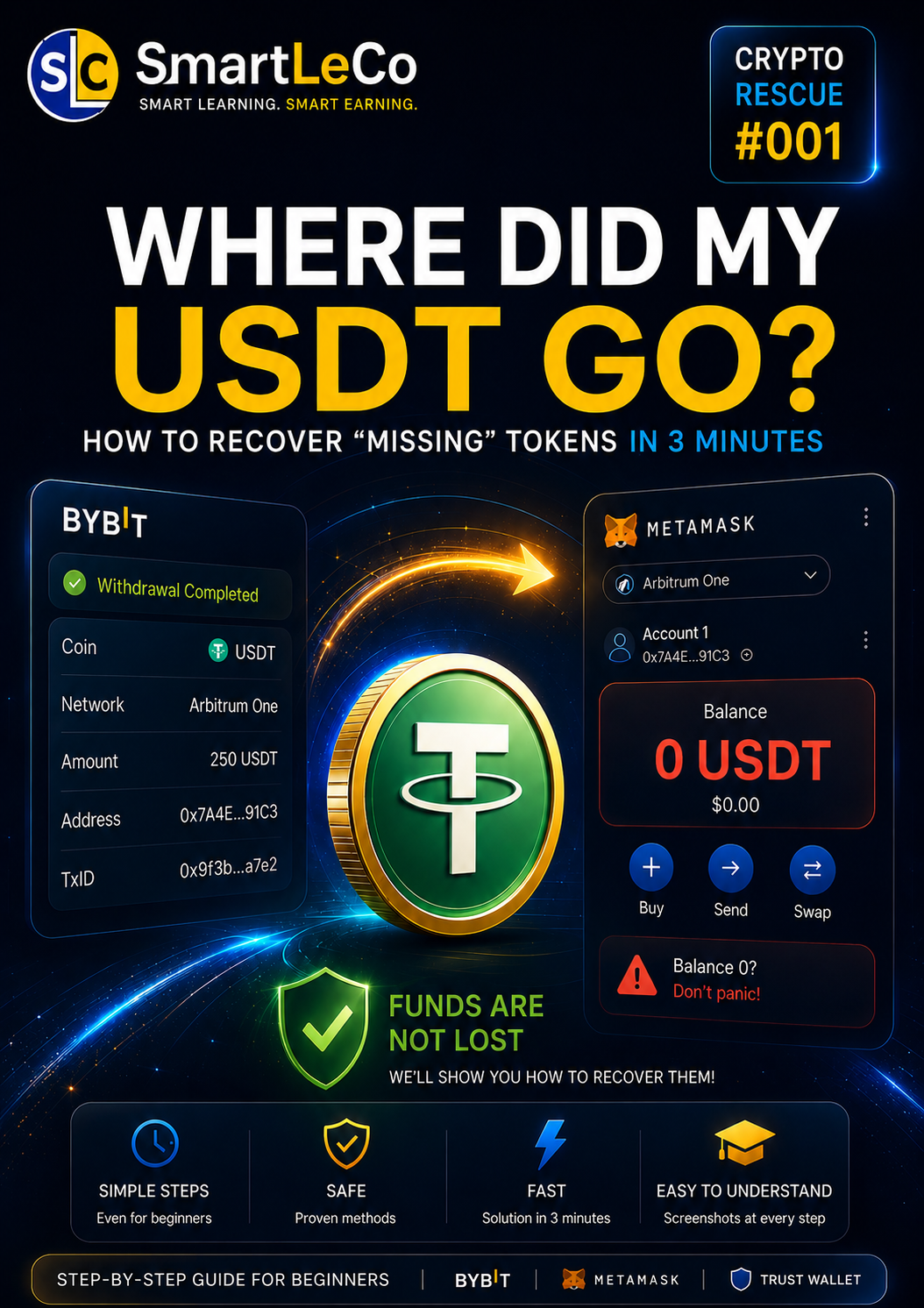
Where Did
My USDT Go?
After withdrawing from Bybit, Binance, OKX, or MEXC, does your MetaMask wallet show a zero balance?
Don’t panic.
In most cases, your funds are not lost. They are simply on a different network and are not displayed automatically.
Why Does It Look Like Your Money Has Disappeared?
The most common reason is that the withdrawal was made using a different network. Your funds are already on the blockchain, but your wallet does not display them automatically.
Does This Look Familiar?
If even one of these situations sounds familiar, this guide was created for you.
Your Balance Shows 0
After withdrawing your cryptocurrency, your wallet is empty even though the exchange shows the transaction as successful.
Confusing Networks
Ethereum, Arbitrum, Polygon, Optimism, BNB Chain… Which one should you choose?
It Feels Like Your Money Is Gone
The first thought most beginners have is that their funds are gone forever.
Support Doesn’t Reply
You may have to wait hours—or even several days—for a response.
You’re Afraid to Make Things Worse
Any wrong action may seem risky, especially if you’re new to crypto.
The Internet Is Too Complicated
Videos are too long, articles are full of technical jargon, and there is no simple answer.
What Will You Get?
We’ve included only practical information—no complicated theory or unnecessary filler.
Step-by-Step Instructions
Every step is explained in simple language and is easy to follow, even if you’re completely new to cryptocurrency.
How to Add the Required Network
Learn how to quickly connect the correct network to MetaMask.
Token Import
Find out how to make your tokens appear in your wallet again.
Security Tips
Learn what you should never do if you want to keep your cryptocurrency safe.
Save Time
Instead of spending hours searching online, you’ll have a ready-to-use action plan.
Understand the Process
You’ll understand why this problem happens and how to avoid it in the future.
After Reading This Guide, You Will Be Able To
Use MetaMask with Confidence
Without worrying about losing your funds.
Understand Blockchain Networks
Know the difference between Ethereum, Arbitrum, Polygon, and other networks.
Find Your Tokens Yourself
Without waiting for customer support.
Avoid Costly Mistakes
Mistakes that cost beginners thousands of dollars every year.
Why Can You Trust This Guide?
We don’t promise miracles. This is a practical guide based on how blockchain technology and popular Web3 wallets actually work.
✅ What This Guide Will Help You Do
- ✔ Identify which network your tokens are on.
- ✔ Correctly add the required network to MetaMask.
- ✔ Import your token into the wallet.
- ✔ Verify your transaction on the blockchain.
- ✔ Understand what caused the problem.
❌ What This Guide Does NOT Promise
- ✖ It does not reverse completed transactions.
- ✖ It does not recover funds sent to scammers.
- ✖ It does not restore lost seed phrases.
- ✖ It never requires access to your wallet.
- ✖ It never asks for your private keys.
Security Comes First
While following this guide, you never give anyone access to your wallet. Every step is performed by you using only official services and trusted tools.
What Happens After Your Purchase?
No waiting. Everything is simple and takes only a few minutes.
Payment
Purchase the guide using your preferred payment method.
Instant Access
Immediately after payment, you’ll receive a download link for the guide.
Read the Guide
Follow the instructions step by step and complete every recommendation.
Success
You’ll have a clear process for checking and restoring your token balance if the issue is caused by the selected network or wallet configuration.
Our Goal Is to Help You Solve It Yourself
We don’t sell a “magic button” or promise impossible results. Instead, you’ll receive a practical guide that helps you solve one of the most common cryptocurrency problems on your own.
Frequently Asked Questions
Answers to the most common questions before purchasing.
Stop Wasting Time Searching for Answers
Get a clear step-by-step guide and find out why your tokens are not showing up in your wallet.
Buy the Guide